
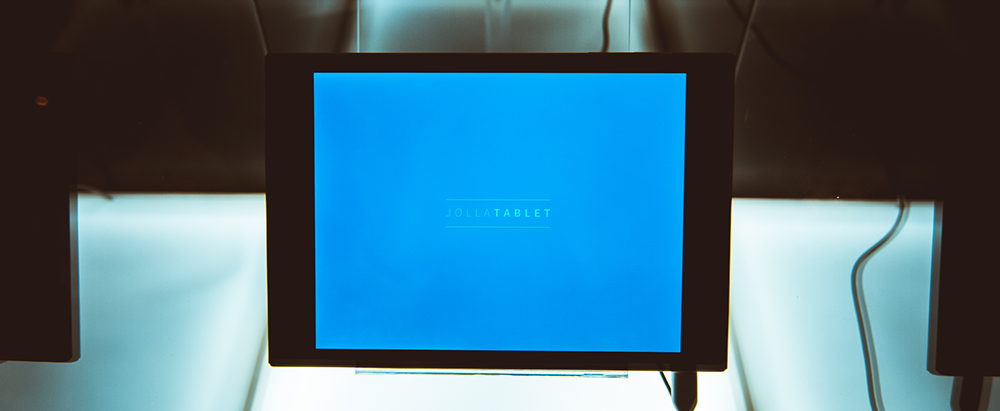
“In general parlance, bootstrapping usually refers to the starting of a self-sustaining process that is supposed to proceed without external input. In computer technology the term (usually shortened to booting) usually refers to the process of loading the basic software into the memory of a computer after power-on or general reset, especially the operating system which will then take care of loading other software as needed.” -Wikipedia
This is the first post in many about our hardware adaptation project for the Jolla Tablet. Hardware adaptation is the activity in which we tie Sailfish OS together with a piece of hardware and the drivers for it. It is our hope that this will give you an unprecedented view into the world of how you build some parts of a tablet. It may get a bit long and technical, but feel free to ask to have some things elaborated further if you want.
Before our designers, care, marketing, program management, infrastructure, testers, UI coders, core and middleware developers can really truly do their work, we need to give them some hardware with a combination of Sailfish OS and a hardware interfacing on to develop, prepare test, design and experiment on. Because it’s no fun developing with a device that can’t e.g. show an UI with Sailfish OS, take a picture or play a sound.
The duty to make this happen is that of the hardware adaptation team. I.e. to bootstrap the device to work. Do note this does not mean that our developers can’t already develop things (we have the Jolla phone, SDK emulator, etc), but it’s much better to develop using the target device to get the experience right from the start.
Working with the ODM and chipset vendor
Like many other companies, we are working together with an ODM (a company that manufactures a product as specified by its customer company) to produce the Jolla tablet. When you receive a piece of hardware from an ODM, you don’t just get a blank device with an empty disk, you get a hardware design along with a bunch of software components that fits with the specific hardware of the device.
The situation is however today in the mobile industry that while you can get a great hardware design and a stable software delivery matching this hardware, these software deliveries are typically drivers for Android. This is a very real pain for non-Android OS’s: You can of course try to get custom drivers matching your particular OS, but this involves a lot of money, support from chipset manufacturers, a lot of pain and time that could be used instead to make your tablet experience greater.
This is the case with the Jolla Tablet as well: we have drivers for Android matching the hardware. It is the norm in the industry that these specific software deliveries contain a majority of closed source parts that are not possible to share outside Jolla and the ODM. It is very hard or near impossible to find a competitive price and effort-wise hardware with fully open drivers.
One of the main advantages of Sailfish OS is that it is able to leverage existing drivers for Android through a technology called “libhybris”. The driver infrastructure of Android is very tightly integrated together, e.g. if you are using camera drivers made for Android, you have to leverage their software infrastructure for graphical buffer allocation. Which in turn means that in order to bring those camera images into your UI, you need to render with Android GPU drivers.
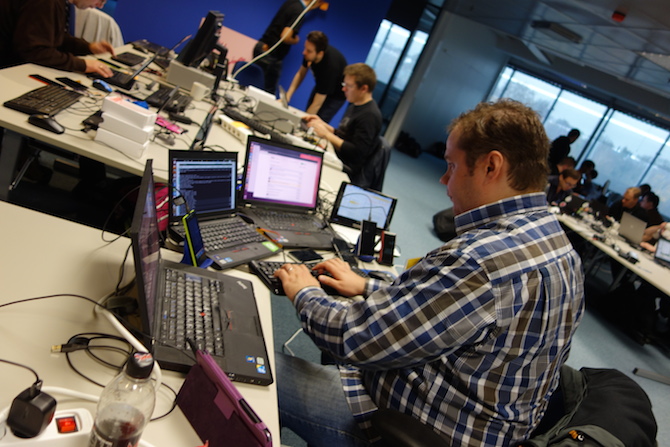 We do not have the capacity to write native Sailfish OS drivers for many parts of the devices. Especially parts like modems, GPUs or cameras, and embarking on a journey to enable custom Sailfish OS adaptations for certain chips is not a direction we want to go. We’ve tried this before and it was not a good experience. We can only hope that one day through sheer volume of Sailfish OS devices, adapting hardware directly for Sailfish OS by chipset vendors and ODMs will be the norm.
This causes us to focus at what we’re good at: delivering a great UI experience for our users, making great interfacing towards the chipset vendor + ODM software deliveries and to build an operating system platform. We re-use as much as we can from the HW software deliveries. And we know that those drivers are working today, as in, they are known to be working and are performant. Not having that is extremely painful.
That means also that we can receive support from ODM and chipset vendors when there are problems in those pieces. We have applied this same model to our first product, the Jolla smartphone with great success.
After we shipped the Jolla smartphone, we worked with our community to make it possible to put Sailfish OS on a lot of different existing Android devices. This was done and evolved through a document called the “HADK” (Hardware Adaptation Development Kit). HADK is a set of very useful methods and instructions on how to take Sailfish OS, and an existing Android software delivery for a device and create the interfacing configuration and code to make Sailfish OS work with a device.
First things first
Let’s take a look at the tablet. It has a 2K (2048×1536) display with a capacitive touchscreen. It has an Intel Z3735F processor; quad core 1.83ghz with an Intel HD Graphics GPU, with 2 GB of RAM associated to the CPU. It is capable of running 64-bit software. It has a microSD card slot, 32gb of eMMC storage (though my exact development device has less) and a few buttons, power button, volume up/down. Along with that, a 5MP rear, 2MP front camera.
Before doing anything, we built the (Android 4.4 based) software delivery using instructions from the ODM and flash the result to the device. Initially we flashed under Windows, but eventually we found out that the device supports a “fastboot” mode, which is a mode and an associated utility to flash images to a device. It was possible to get to this mode by holding down volume down and the power button on the device.
When the device to our relief still booted up, we went onwards to check through that every part of the hardware still worked through a number of test applications listed in the HADK*. It is a real pain to debug hardware interfacing and then discover it doesn’t actually work in the software delivery or the hardware is broken or missing. So, this particular thing potentially saves you a lot of time. All tests passed still. In addition, we made sure we could forcibly turn off the device by holding down the power button. This also comes in handy surprisingly often.
First thing we discovered as we rummaged through the device was that it has a 64-bit Linux kernel and a 32-bit software stack (userland). This seems to be standard on Intel Android 4.4 64-bit devices. This means that we have to use Sailfish OS for 32-bit X86, which it is already ported. You cannot mix 32 bit and 64 bit code in same process.
Additionally to that, we discovered that the tablet utilises UEFI & SecureBoot for bootup along with using cryptographic signing of the individual elements in the bootup process, down to the boot loader, kernel and kernel modules. We know that this is a sensitive topic. So here’s the deal: UEFI & SecureBoot are a bit new for us coming from the ARM side.
Balancing hackability and privacy/security
The story of Jolla is such that we have built our own OS utilizing “hackable” devices (as in, able to load another OS on a device) and we wouldn’t be able to exist today otherwise. We believe that it should be technically possible to run alternative Linux operating systems on our devices by people outside of Jolla.
 We already know that it is possible for us to build a signed Linux boot loader that will load unsigned boot images and we’ve tested this already. But a boot loader that loads unsigned boot images can have other consequences in terms of security.
Here are the technical basics:
- It should be possible to enable or disable entering UEFI settings/UEFI shell at boot-up through a key combo – in there you can supposedly set up your own UEFI PK/db/dbx etc. keys
- It is possible to reboot into UEFI settings from Sailfish OS
- efilinux is used and has to be signed by something in UEFI PK/db/dbx and it can check signatures of the Linux kernel+initrd (boot images)
- We don’t currently use UEFI shim loader so no MOK functionality
- Kernel uses/can use CONFIG_MODULE_SIG kernel option
- There’s no ‘fastboot oem unlock’ functionality currently, but flashed images need to be appropriately signed towards SecureBoot configured keys in order to boot, but efilinux can be modified
This is an invitation to discuss how we should make a device security configuration that has appropriate balance between hackability and privacy/security. Nothing is set in stone but there might be hardware or technology imposed limitations. Mobile devices are a very typical target for attacks and people often lose them out in the wild so this is a high priority. If you are utilising IRC, feel free to come and discuss with us and other porters of Sailfish OS at irc.freenode.net #sailfishos-porters. Let the discussions about this particular topic begin! I believe we can find a strongly secure and technically sound solution together.
With this added understanding of the device, we’re now ready to instruct our infrastructure to make a Sailfish OS software release for the device and attempt to reach it from the other end of the HW software delivery through the instructions in the HADK. But that’s a topic for another blog post.
I hope you’ve enjoyed this post, despite it being long!